In short
- Both methods add the same MYTIVIFLIX account to a player
- Xtream Codes is shorter to type and fetches the guide and library automatically
- M3U links are handy for simple media players and as a backup
When your MYTIVIFLIX login arrives on WhatsApp, you may see two ways to sign in: Xtream Codes details and an M3U link. They lead to the same account, but they work a little differently in the app.
What Xtream Codes is
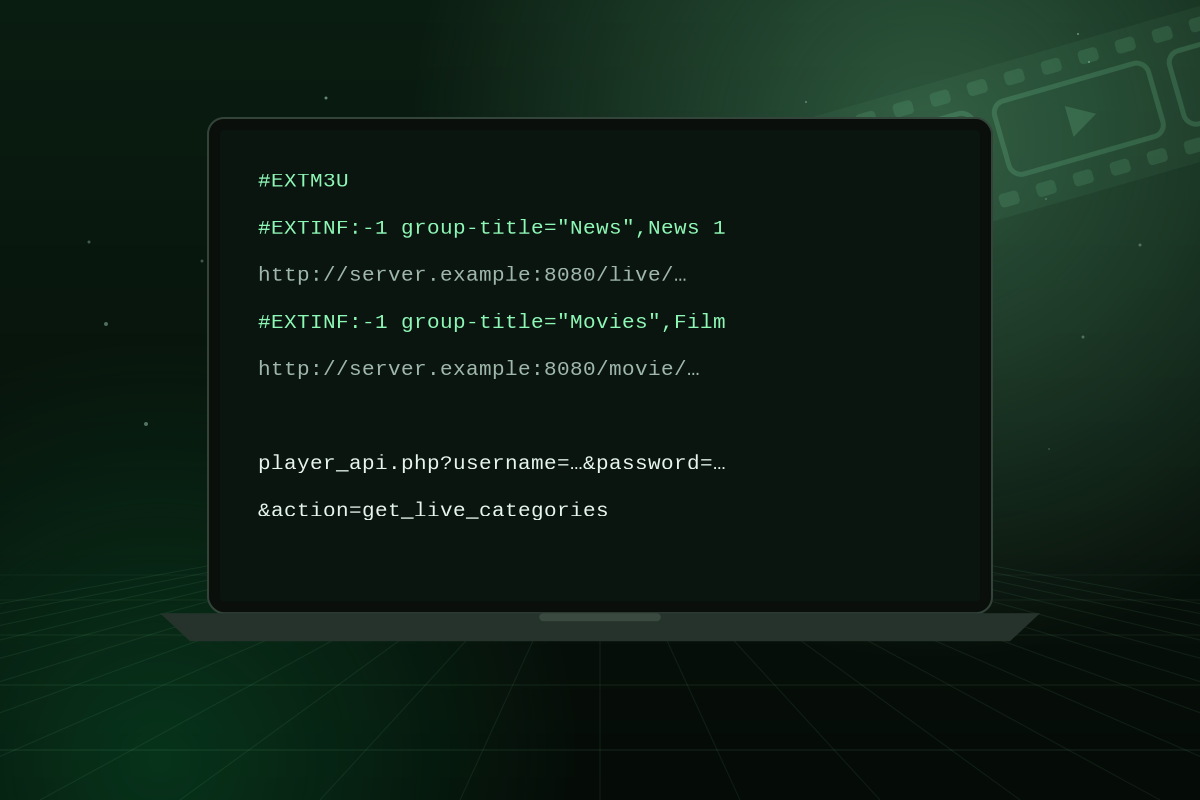
Xtream Codes, sometimes called Xtream API or "login with username", uses three pieces of information: a server address (often starting with http:// and ending in a port such as :8080), a username and a password. The player connects to the server and asks it for everything: live channels, categories, films, series and the TV guide.
What an M3U link is
An M3U link is a single, long web address that points to a playlist file. The player downloads that file, which lists channels and their stream addresses. Guide data usually comes from a separate EPG link that some apps need you to add by hand. Some players read films and series from an M3U, others only show live channels.
Side by side
| Point | Xtream Codes | M3U link |
|---|---|---|
| What you enter | Server, username, password | One long URL |
| TV guide | Loaded automatically | Often needs a separate EPG link |
| Films and series | Sorted into a library | Depends on the app |
| Typing with a remote | Shorter | Long and error-prone |
| Simple media players | Not usually supported | Widely supported |
Which should you use?
Use Xtream Codes whenever your player supports it, which most dedicated IPTV apps do on Fire TV, Android, Apple TV, smart TVs and computers. Keep the M3U link for general media players or as a backup if an app does not offer Xtream login. MAG boxes use neither: they connect through a portal URL linked to the box's MAC address, as explained in our MAG guide.
Common typing mistakes
- Leaving out
http://at the start of the server address. - Missing the port number, such as
:8080, at the end. - Adding a space after the username or password.
- Mixing up a lowercase l, a capital I and the number 1.
Copying and pasting from WhatsApp on a phone, then using a keyboard app to type on the TV, avoids most of these.
Keep your login private
Treat both the Xtream details and the M3U link like a password. Do not post them in groups or forums, and keep them within your household.
Need a hand?
If the app says the login is invalid or the list stays empty, send us a photo of the screen on WhatsApp and we will spot the problem quickly.